Complete journeys
See the whole group come together.
Watch a dinner plan and a four-person golf outing move from the first idea to a plan everyone can follow.
Watch Huddl journeysMake time for your people
Choose where and when to meet, then keep everyone on the same page. One shared place for suggestions, RSVPs, chat, and tasks.
Free to use. Web, iOS, and Android.
See how huddl works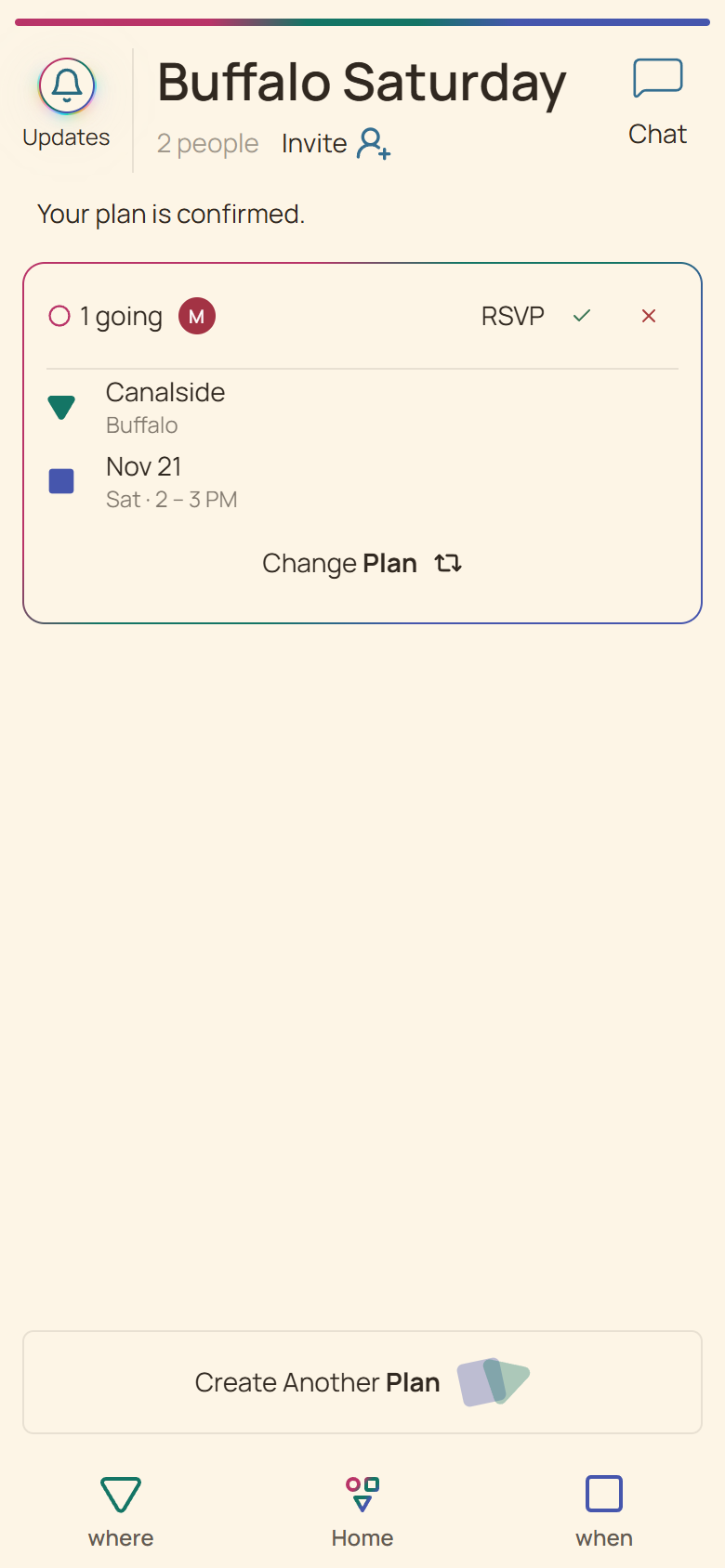
Places, times, and attendance in one shared plan.
01
Give your gathering a name. Add places and times after creating it.
02
Share one link and compare the group’s suggestions and availability.
03
Confirm one place and time, collect separate RSVPs, and keep practical tasks together.
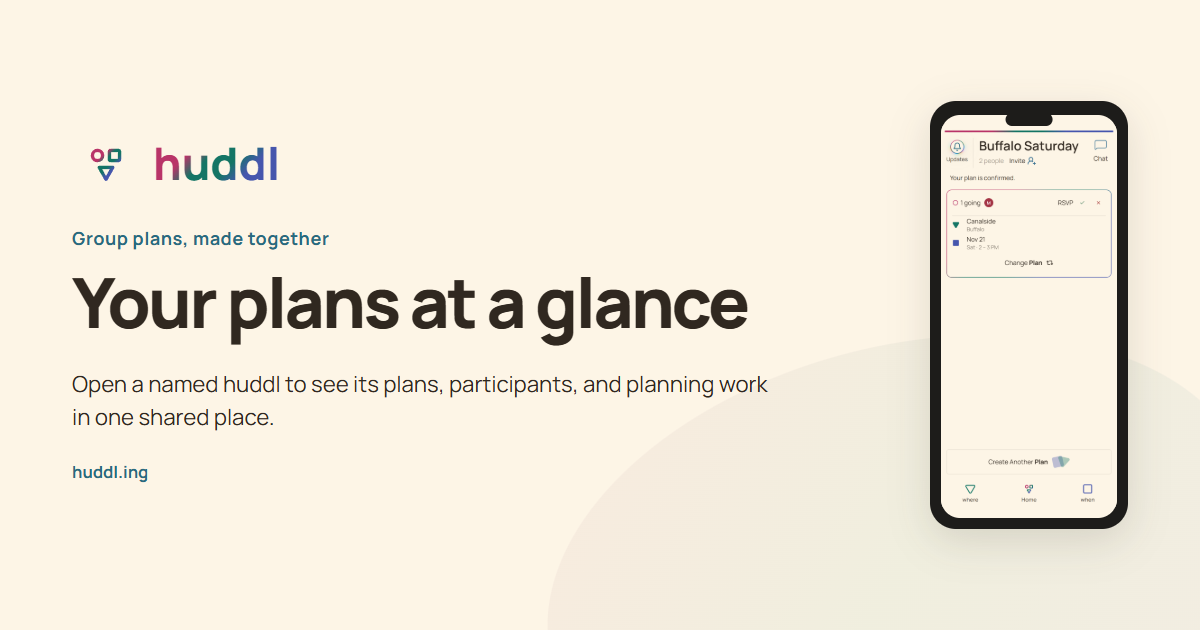
Open a named huddl to see its plans, participants, and planning work in one shared place.
Explore feature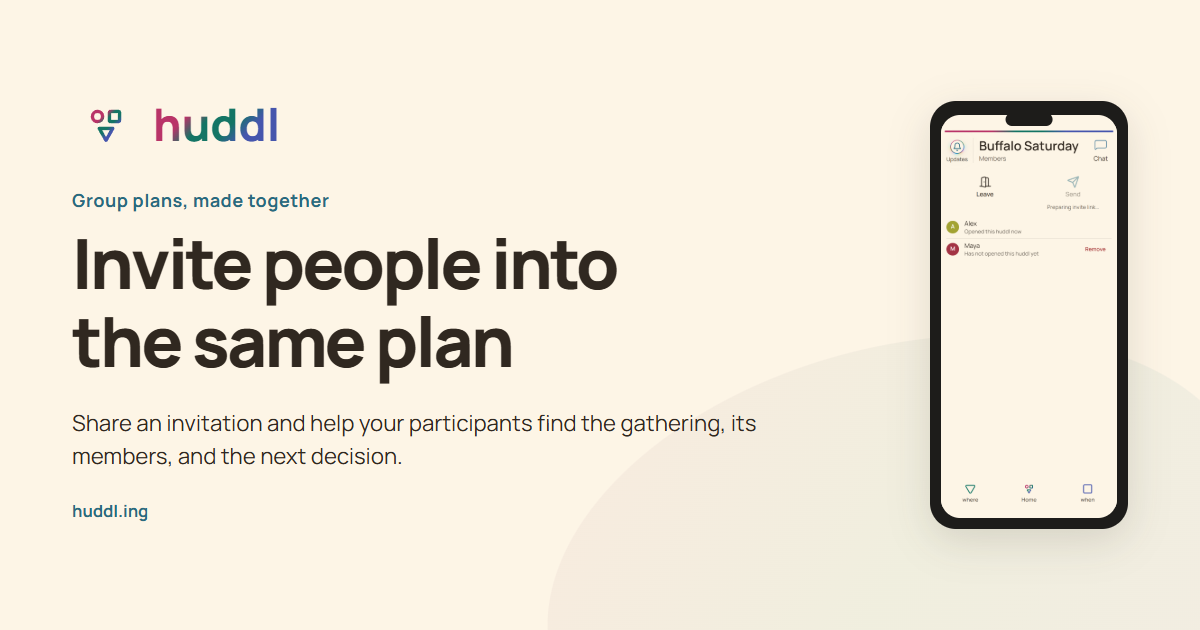
Share an invitation and help your participants find the gathering, its members, and the next decision.
Explore feature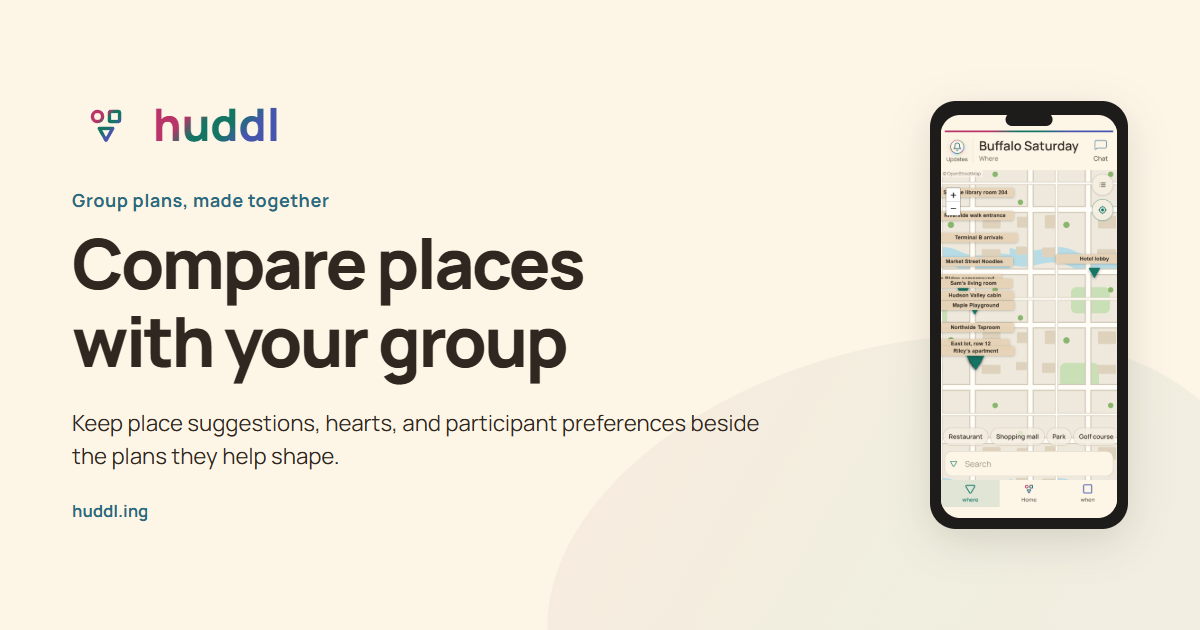
Keep place suggestions, hearts, and participant preferences beside the plans they help shape.
Explore feature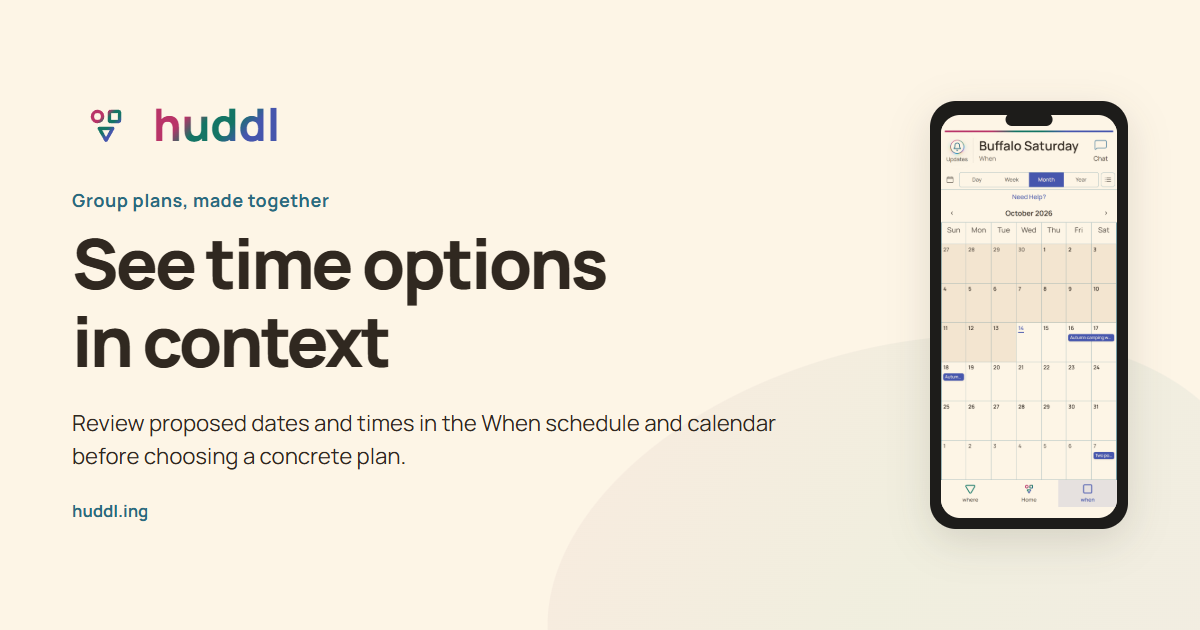
Review proposed dates and times in the When schedule and calendar before choosing a concrete plan.
Explore featureExplore capabilities when deciding whether Huddl fits your group. Use a guide when you have a specific planning question. Follow a journey when you want to see the order of actions, or choose a use case when a reservation, fixed event, trip, or shared responsibility shapes the decision.
In a separate fictional dinner example, six friends compare two venues for one Saturday evening. They keep the alternatives on one plan, check the practical venue conditions, and confirm one complete pair. Preference hearts help the decision; the saved Going count supports the next booking check.
| Stage | What the group knows | Next useful action |
|---|---|---|
| Two venues, one evening | Choices are open; some people like both | Compare access, cost, and travel |
| One pair confirmed | The confirmer is Going; others answer separately | Request current attendance |
| Five Going, one Not Going | Five current commitments to this dinner | Check five seats with the venue |
| Arrival context agreed | Entrance and booking contact are clear | Check the current plan before leaving |
Browse a place or date, add choices to a plan card, and compare the group’s input. Confirm one exact pair when it works, then ask each person for an attendance answer. If the arrangement changes, clear the old answers and let everyone respond again.

Hearts help compare choices. Confirm Plan establishes the exact arrangement and marks its confirmer Going. Other members use their own RSVP controls; counting hearts is not a reliable attendance count.
Everyday gatherings
Friends
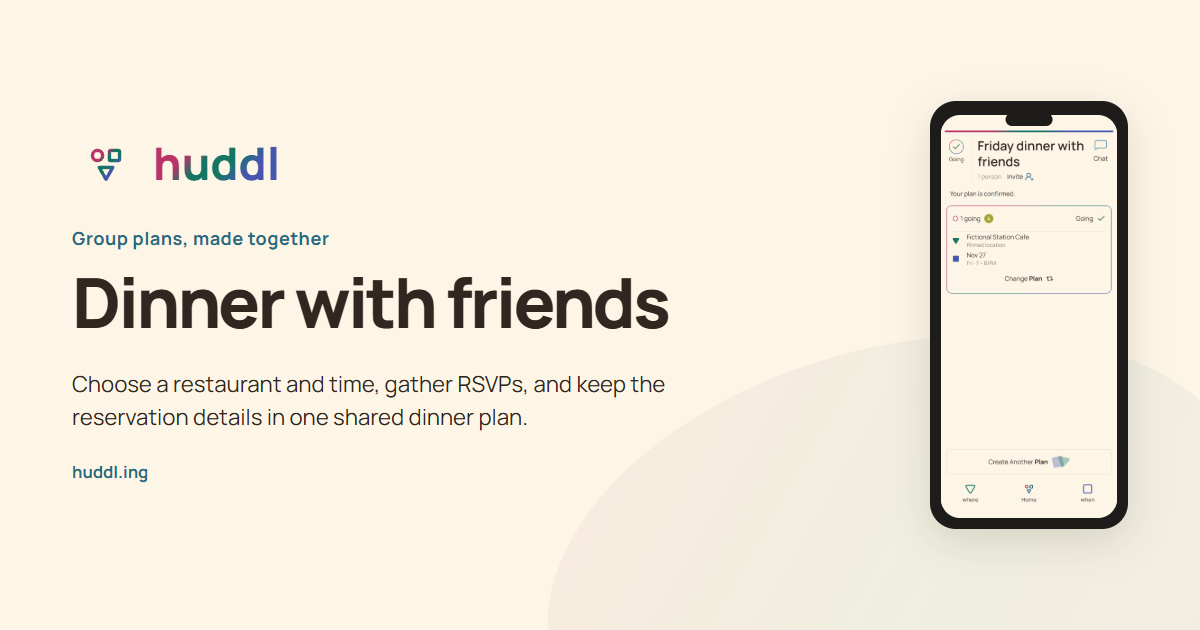
Choose a restaurant and time, gather RSVPs, and keep the reservation details in one shared dinner plan.
Read the workflow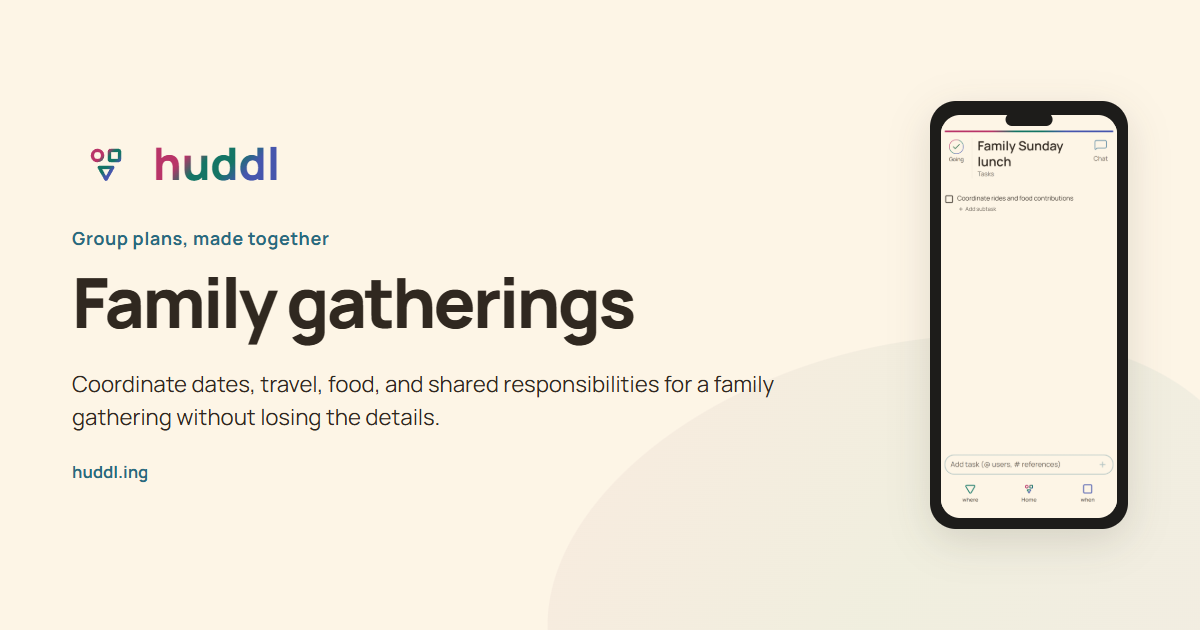
Families
Coordinate dates, travel, food, and shared responsibilities for a family gathering without losing the details.
Read the workflow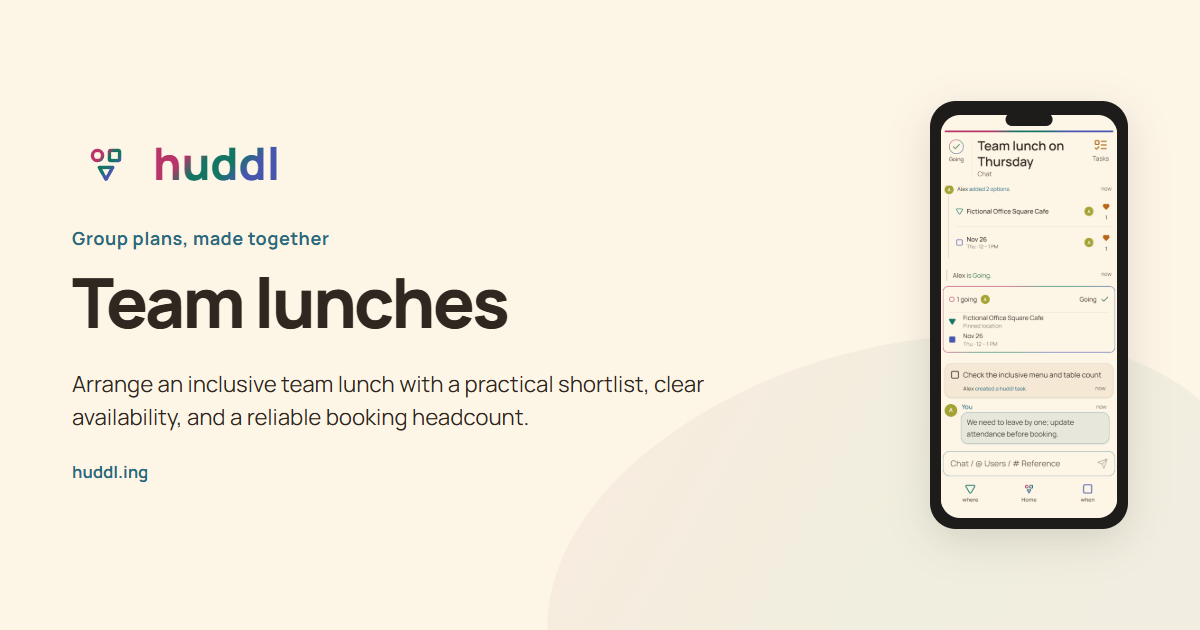
Teams
Arrange an inclusive team lunch with a practical shortlist, clear availability, and a reliable booking headcount.
Read the workflowComplete journeys
Watch a dinner plan and a four-person golf outing move from the first idea to a plan everyone can follow.
Watch Huddl journeysFree, with thoughtful ads
See where ads can appear, where they never do, and the guardrails that keep planning first.
Why Huddl uses adsHuddl is free, supported by ads inside the app. Use your browser or get the iOS or Android app; installation is optional.
More answersHuddl is a shared planning app for everyday groups. Create a named huddl, invite people, compare places and times, and keep RSVPs, chat, and tasks connected to the gathering.
See how it worksThe app needs a profile before saving your huddl. If you are signed out, you can continue with a guest profile or Google sign-in. Your naming draft carries through that step.
No. Huddl works in a modern web browser. You can also install the web app where your browser supports it, download the iOS app from the App Store, or get the Android app from Google Play.
Get the appYes. Download Huddl from the App Store on your iPhone or iPad. You can also use Huddl in Safari and add the web app to your Home Screen.
Get Huddl for iPhone and iPadMaintained with the product
Release notes connect meaningful product changes to the instructions reviewed with them. Editorial standards explain our evidence, fictional examples, and correction process.
Start a huddl, or explore practical advice for your group.
Read the planning guides